

You can search for the perfect workout in your Barre Definition app. Here's how:
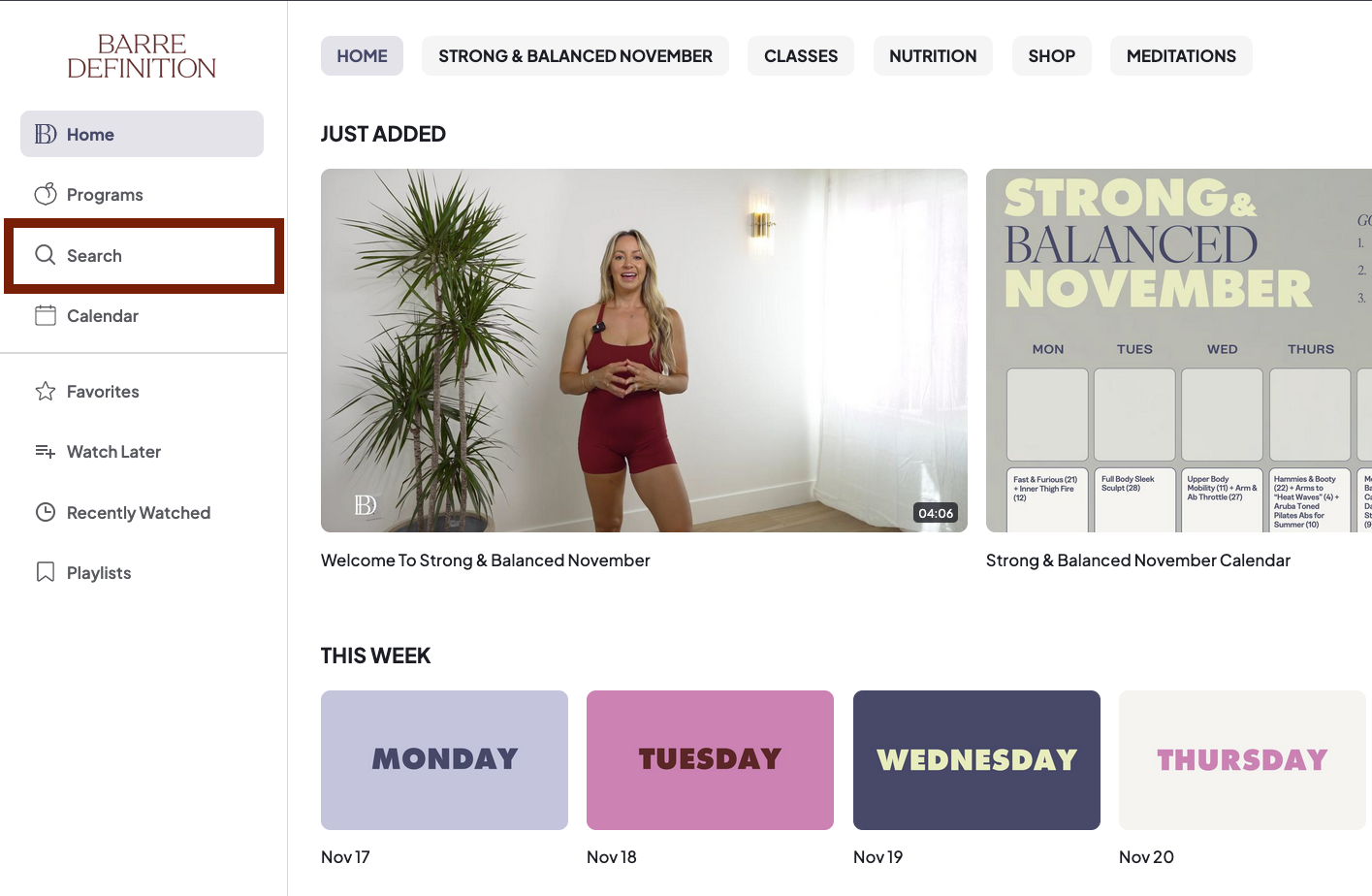
1. When using the desktop app, you can find a 'Search' option in the side bar on the left as shown in the below picture:
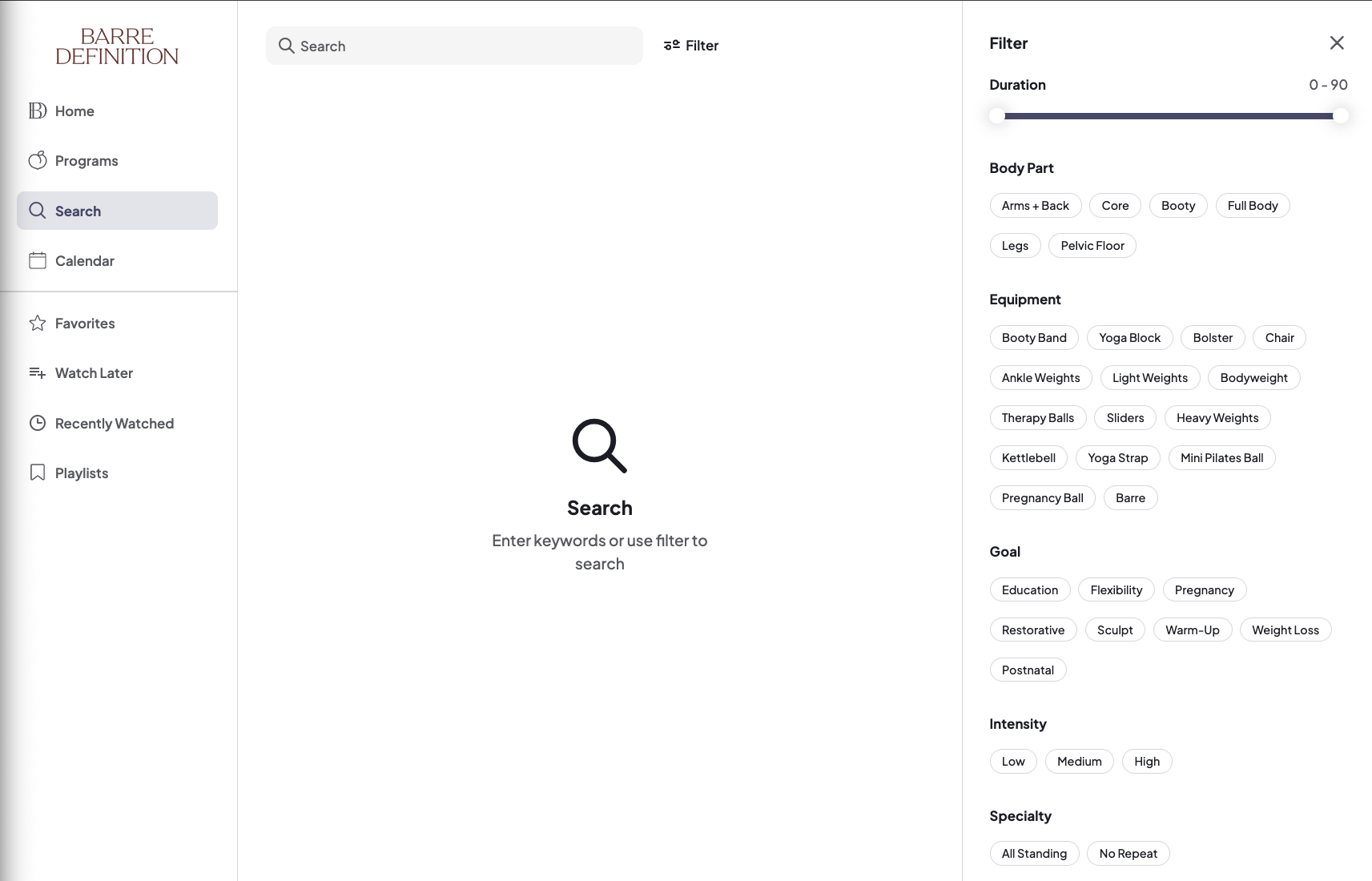
2. Clicking on 'Search' will allow you to enter in a keyword such as 'Ab Rehab' or filter the results based on Intensity, Time and/or Speciality in the options on the right:
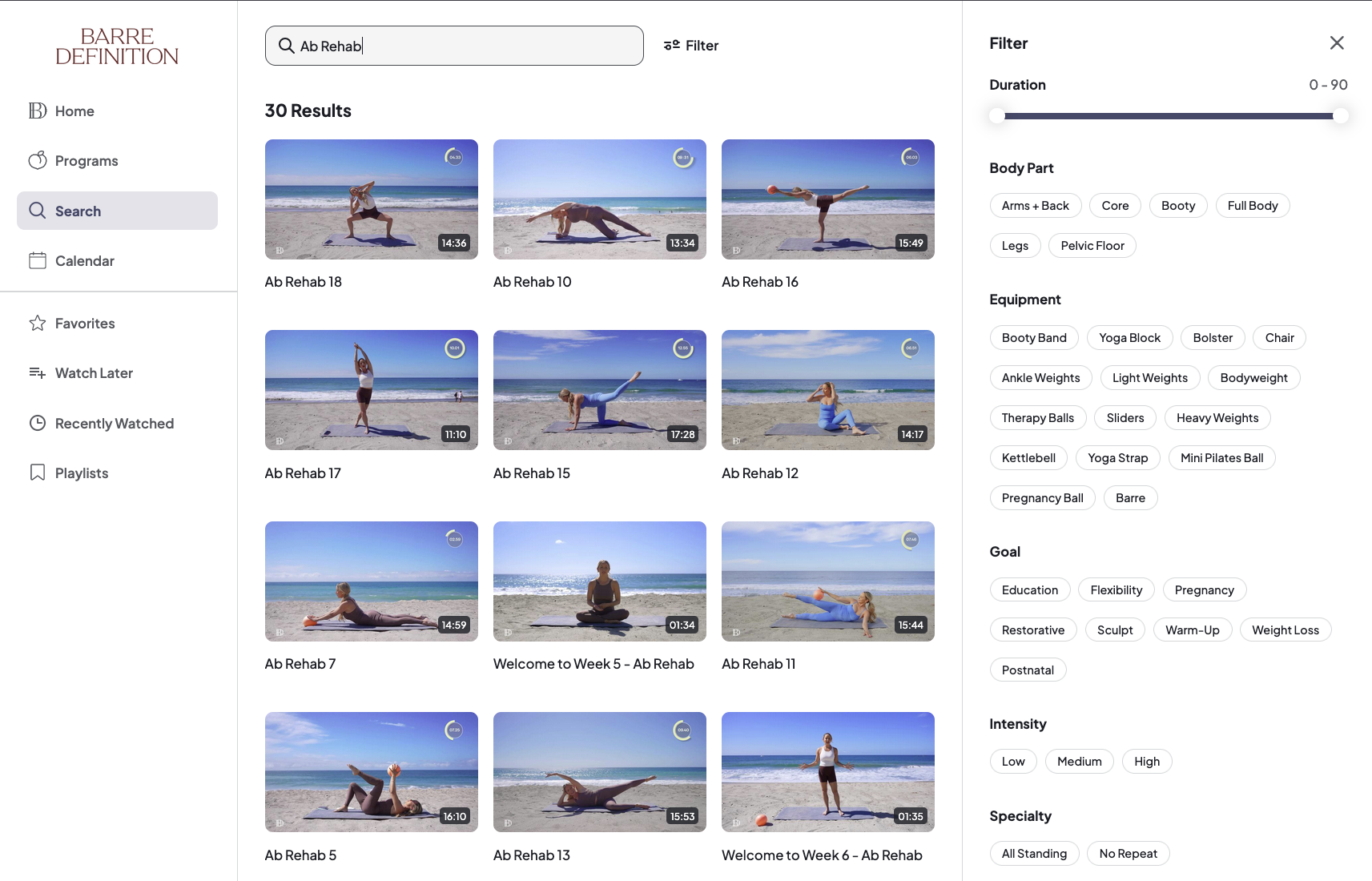
3. The screen and results will change to reflect your search options as below. Remove your search query or de-select any filters to start over.
Need help? Reach out by sending us a message on the Contact Us widget!